
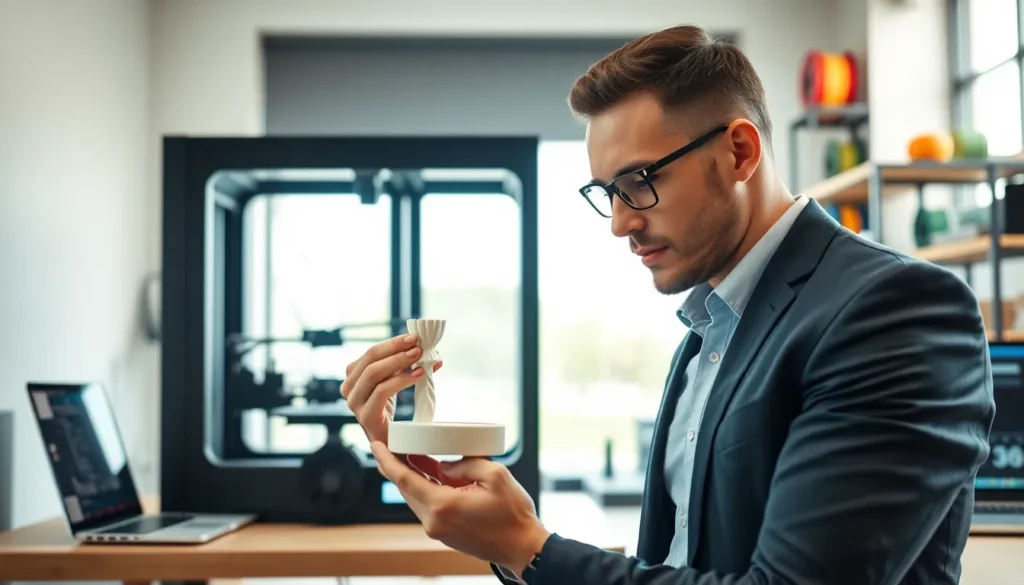
Getting consistent, high-quality prints requires more than just hitting “start” on your 3D printer. The difference between a flawless model and a failed blob often comes down to a handful of 3D printing tips that experienced makers swear by. Whether someone is brand new to additive manufacturing or has logged hundreds of print hours, these fundamentals make a real difference.
This guide covers the essential 3D printing tips that improve success rates, reduce wasted filament, and produce cleaner results. From bed preparation to troubleshooting failed prints, each section offers practical advice that users can apply immediately.
Table of Contents
ToggleKey Takeaways
- Proper bed leveling and cleaning can eliminate 40-50% of common 3D printing failures.
- Temperature tuning is essential—print a temperature tower to find the optimal setting for each filament brand.
- Adjust layer height based on your goals: 0.12mm for detailed prints, 0.2mm for general use, and 0.28mm for functional parts.
- Regular maintenance like nozzle cleaning, belt tensioning, and lubrication prevents sudden print failures and maintains quality.
- Troubleshoot weak parts by increasing nozzle temperature and reducing print speed to improve layer bonding.
- Watch your first layer closely—most failed prints show early warning signs like inconsistent extrusion or poor adhesion.
Prepare Your Print Bed Properly
A well-prepared print bed is the foundation of every successful 3D print. Poor bed adhesion causes warping, lifting corners, and complete print failures. These 3D printing tips for bed preparation will save hours of frustration.
Level the Bed Correctly
Bed leveling should happen before every print session, or at minimum, weekly for frequent users. Use the paper test method: slide a sheet of standard printer paper between the nozzle and bed at each corner and the center. The nozzle should create slight resistance on the paper without tearing it. Many printers now include auto-leveling features, but manual checks still catch issues the sensors miss.
Clean the Surface Thoroughly
Oils from fingerprints, dust, and leftover filament residue all reduce adhesion. Clean glass beds with isopropyl alcohol (90% or higher) before each print. For PEI sheets, a quick wipe with the same alcohol works well. Some users add a light scuff with fine sandpaper every few months to restore texture.
Match Adhesion Methods to Materials
Different filaments need different approaches:
- PLA: Clean glass or PEI usually works without additives
- ABS: Requires a heated bed (90-110°C) plus glue stick or ABS slurry
- PETG: Use a release agent like glue stick to prevent permanent bonding to glass
- TPU: Blue painter’s tape provides reliable grip
These 3D printing tips for bed prep alone can eliminate 40-50% of common print failures.
Optimize Slicer Settings for Your Material
Slicer settings control how your printer interprets 3D models. Default profiles work okay, but dialing in custom settings dramatically improves print quality. These 3D printing tips focus on the settings that matter most.
Temperature Tuning
Every filament brand, even the same material type, prints best at slightly different temperatures. Print a temperature tower to find the sweet spot. Signs of incorrect temps include:
- Too hot: Stringing, oozing, droopy overhangs
- Too cold: Poor layer adhesion, weak parts, underextrusion
Start at the manufacturer’s recommended middle temperature, then adjust by 5°C increments.
Layer Height and Print Speed
Layer height affects both quality and print time. A 0.2mm layer height offers a good balance for most prints. Drop to 0.12mm for detailed miniatures or increase to 0.28mm for functional parts where appearance matters less.
Print speed interacts directly with temperature. Faster speeds need higher temps. Most users find 50-60mm/s works well for general printing, with 30-40mm/s for detailed areas and first layers.
Retraction Settings
Retraction pulls filament back when the nozzle travels between points. This prevents stringing, those thin wisps between print sections. Bowden tube setups need longer retraction (4-7mm), while direct drive extruders work best with shorter pulls (0.5-2mm). Retraction speed typically ranges from 25-45mm/s.
These 3D printing tips for slicer optimization require some experimentation, but the results justify the effort.
Maintain Your Printer Regularly
3D printers need maintenance like any machine. Regular upkeep prevents sudden failures and maintains print quality over time. These 3D printing tips for maintenance take minimal effort but deliver consistent results.
Clean and Replace the Nozzle
Clogged or worn nozzles cause underextrusion and inconsistent lines. Perform cold pulls (also called “atomic pulls”) monthly to clear partial clogs. Heat the nozzle, insert filament, cool to ~90°C for PLA, then pull straight up. The filament tip should come out clean with any debris attached.
Brass nozzles wear out after 3-6 months of regular use, faster with abrasive filaments like glow-in-the-dark or carbon fiber. Replace them before quality degrades noticeably.
Lubricate Moving Parts
Linear rails and lead screws benefit from light lubrication every 50-100 print hours. Use white lithium grease or machine oil on metal rods. Avoid petroleum-based lubricants on plastic components.
Check Belt Tension
Loose belts cause layer shifting and dimensional inaccuracy. Press the belt with a finger, it should feel firm with slight give, similar to a guitar string. Tighten as needed using the printer’s tensioning system.
Inspect PTFE Tubes
Bowden tube printers rely on PTFE tubes to guide filament. These tubes degrade with heat exposure. Check for discoloration, kinks, or gaps at the hot end connection. Replace annually or when signs of wear appear.
Following these 3D printing tips for maintenance extends printer life and keeps print quality consistent.
Troubleshoot Common Print Failures
Even well-maintained printers with optimized settings produce occasional failures. Knowing how to diagnose problems saves time and filament. These 3D printing tips address the most frequent issues.
Layer Separation and Weak Parts
When layers don’t bond properly, prints break easily along layer lines. This typically indicates:
- Printing temperature too low
- Print speed too fast
- Cooling fan too aggressive
Increase nozzle temperature by 5-10°C and reduce speed. For parts requiring strength, decrease fan speed to improve layer bonding.
Warping and Corner Lifting
Warping happens when lower layers cool and contract while upper layers remain warm. Combat warping with:
- Higher bed temperature
- Enclosed print chamber (even a cardboard box helps)
- Brims or rafts for better bed grip
- Reduced part cooling for first 5-10 layers
Stringing Between Parts
Excessive stringing points to retraction problems or high temperatures. Increase retraction distance by 0.5mm increments. Lower print temperature if stringing persists. Travel speed increases also help, the nozzle spends less time oozing between points.
First Layer Issues
Most failed prints show warning signs in the first layer. Watch for:
- Lines too flat and transparent: nozzle too close
- Lines rounded or not sticking: nozzle too far or bed needs cleaning
- Inconsistent extrusion: partial clog or wet filament
These 3D printing tips for troubleshooting help identify root causes quickly so users can get back to successful printing.